
SermonIndex, in your browser.
Thirty-six thousand audio sermons in a panel beside whatever you are reading. Search fifteen hundred preachers, play one while you work, or keep it on your own disk. The same extension for every browser, and it costs nothing in any of them.
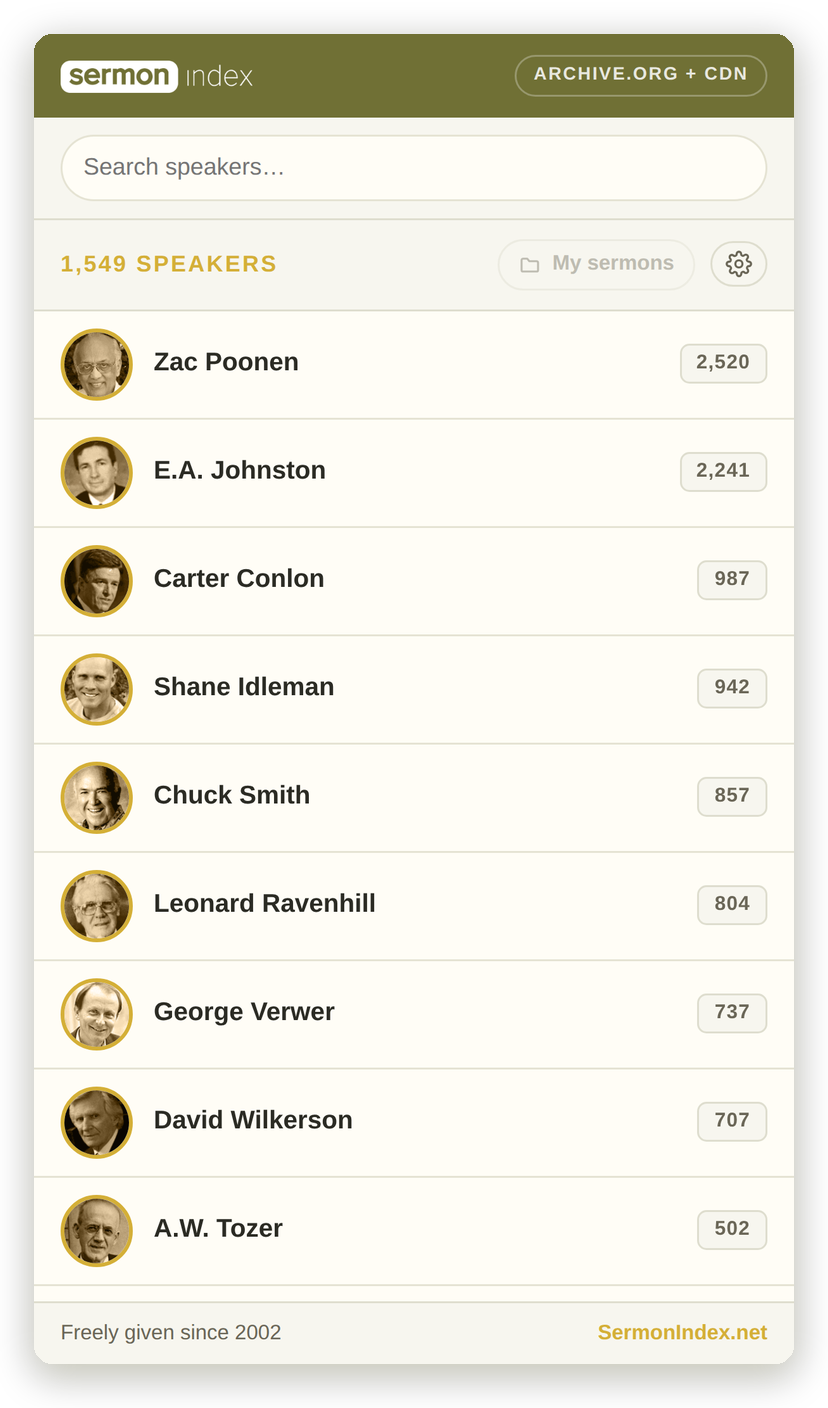
SermonIndex has given away recorded preaching since 2002. This puts the audio part of that library one click from wherever you already are — and because it is one extension built on the open SermonIndex API, what arrives in one browser arrives in the rest.
Many browsers
Chromium browsers all install the same package, so the day it is live in the Chrome Web Store it works in every one of them. Firefox is its own piece of work, and is marked honestly below rather than promised.
Chrome
The side panel, the download button, the playlist — all of it. Chrome 114 and newer.
Microsoft Edge
Edge is Chromium underneath and installs Chrome Web Store extensions directly. A listing in the Edge Add-ons store will follow, for people who never leave it.
Brave
Installs from the Chrome Web Store as it is, on Mac, Windows and Linux. Brave on Android does not run extensions, so the panel is a desktop thing there.
Opera
Takes Chrome extensions directly. Opera keeps a sidebar of its own, which is exactly where a panel of sermons belongs.
Vivaldi
Chromium underneath, and built around panels more than most — the extension sits in its Web Panels alongside whatever else you keep there.
Firefox — desktop and Android
Firefox has its own sidebar rather than Chrome's side panel, so this is a port and not a copy. It is worth doing: Firefox on Android runs extensions, which makes this the one route to a phone that does not go through an app store at all.
Arc, Kiwi on Android and Yandex are Chromium too, and install the same package from the Chrome Web Store without anything further from us.
What it does
Every preacher, one search away
Fifteen hundred men who have audio in the archive, ranked by how much of it there is, each with his portrait and his number. Type a name and the list narrows as you go. Men with nothing to hear are left out, so nothing you tap is a dead end.
Listen while you work
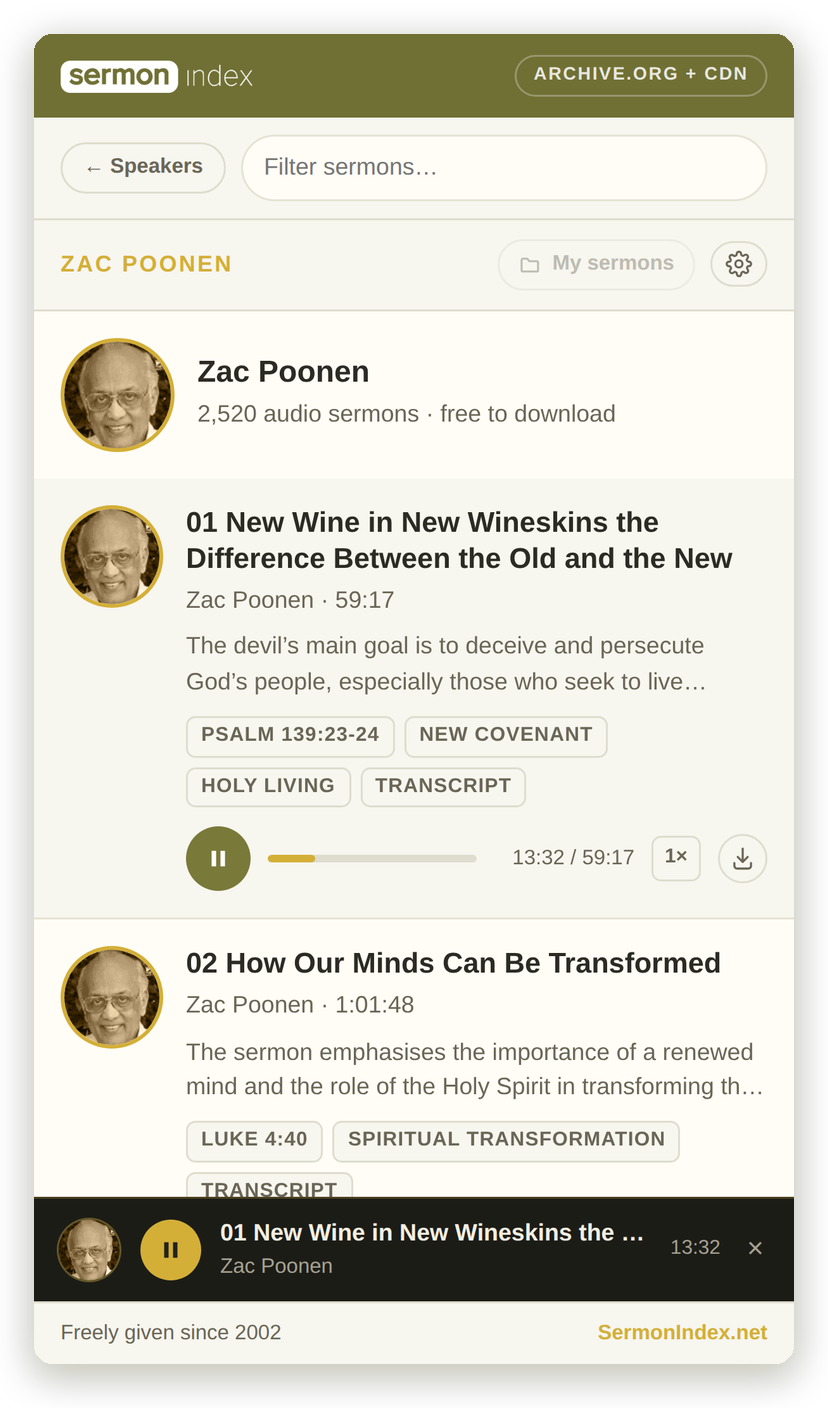
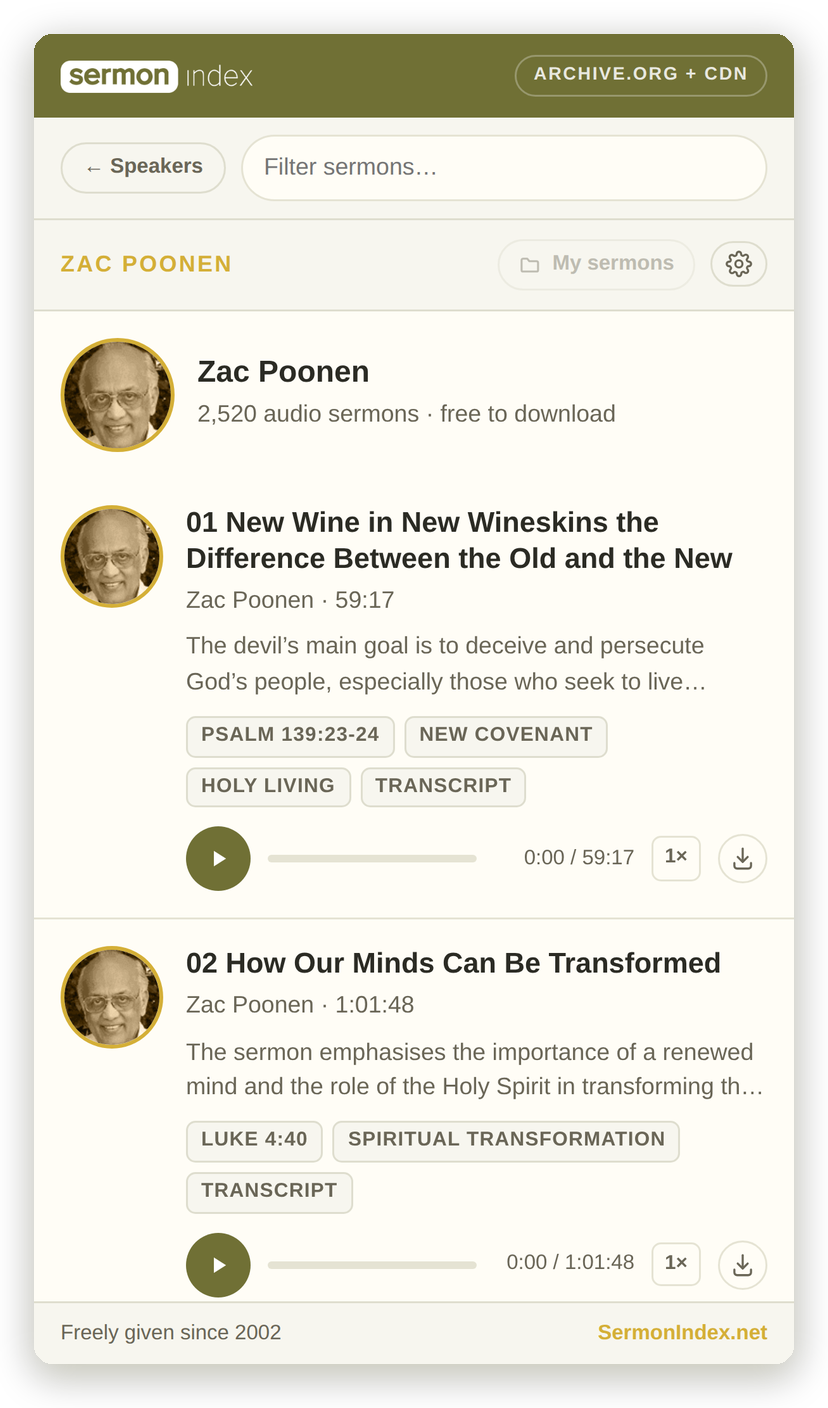
The panel stays open beside the page you are reading. Every sermon is its own card with the passage it opens, the themes it treats and its own player — and once you scroll past what is playing, a small bar keeps it in reach. Play at up to double speed, and let the next one follow on.
Freely you have received
One button keeps the MP3 on your own disk, foldered by preacher if you like. What you have taken is remembered, so the button becomes the way back to the file, and My sermons opens the folder with a playlist of everything in it — ready to play as a set in VLC or anything else.
Set as you like it
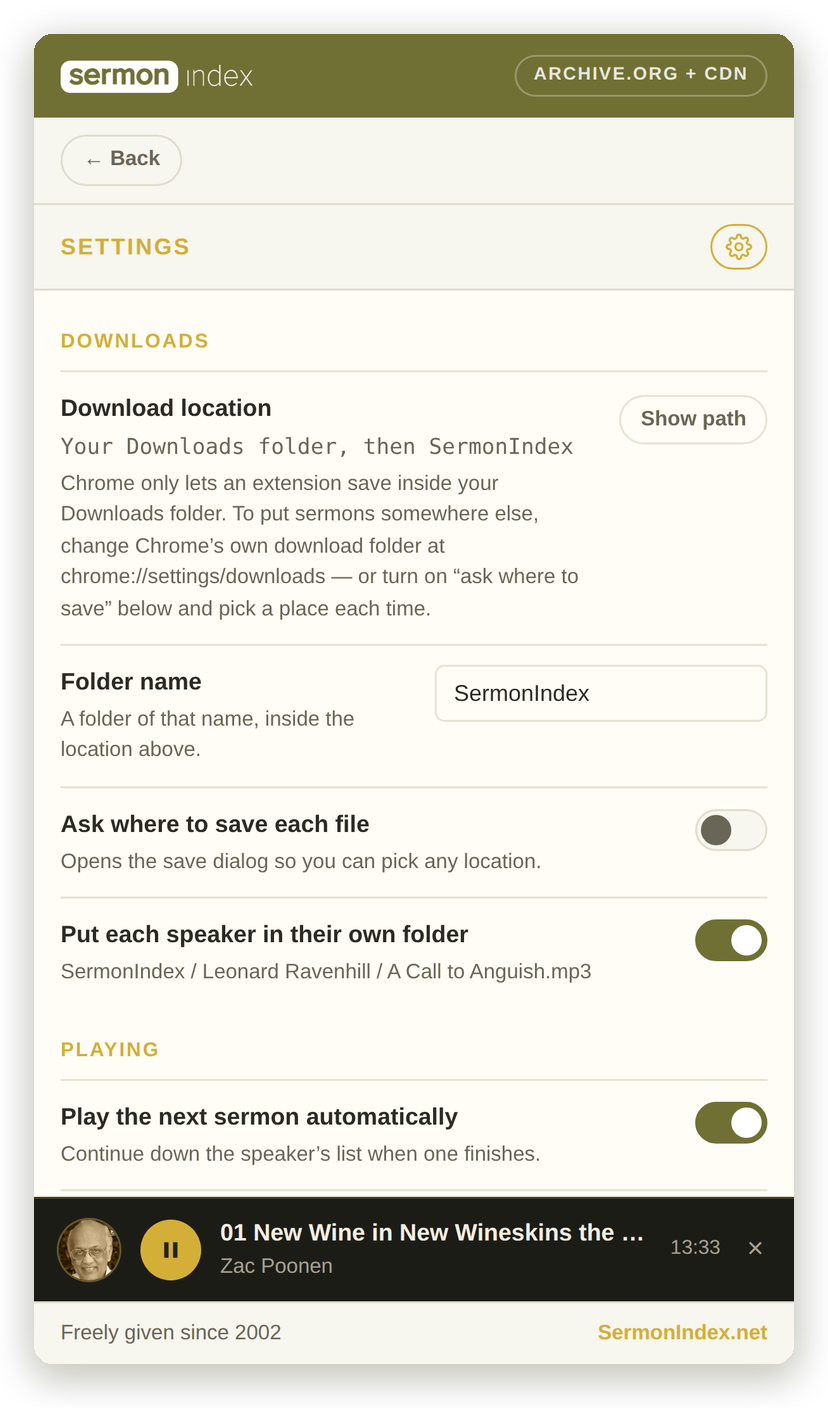
Where the files land, whether each preacher gets his own folder, what plays next, how fast, and light or dark. It also shows the real path your sermons are saved to, which Chrome makes surprisingly hard to find out.
Where the audio comes from
Sermons stream from the Archive.org mirror wherever one exists, with our own CDN as the fallback, and the panel steps across on its own if a source stalls mid-sermon. Archive.org's bandwidth is donated, so it belongs where it does the most good. Video sermons are here too: every one in the library now has an audio version beside it, marked From video on the card.
What it does not do
No account, no key, no tracking. Nothing to sign up for and nothing to log in to. Your settings and the list of what you have downloaded live in your own browser and are sent nowhere. There is no analytics of any kind, and no server of ours ever learns who is listening.
It asks the browser for three things and nothing beyond them. Downloads, so the save button can save a file. Storage, to keep your settings on your own machine. And permission to reach four addresses — the API, the two CDN hostnames the audio and portraits are on, and sermonindex.net itself. It cannot read the pages you visit, because it never asks to.